
Toolbar popup
Protection status, today's activity, active policy version — at a glance, before a single prompt is typed.
Browser extension
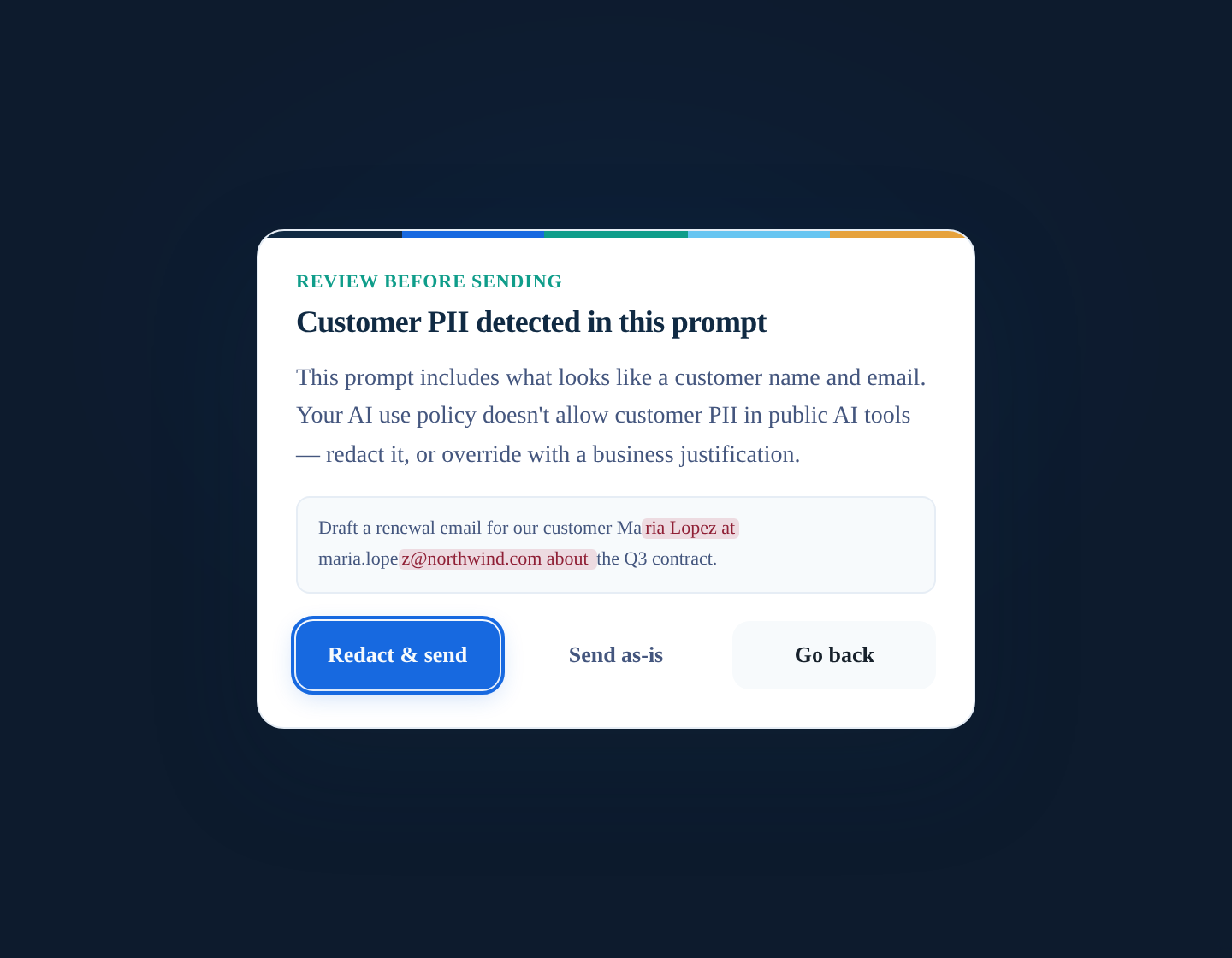
Employees see a toolbar status at a glance. When a prompt needs attention, an inline dialog explains why—with redact, cancel, or justified override when policy allows.
ChatGPT, Claude, Copilot, Gemini, Perplexity and the long tail of AI tools beyond them—one catalog, three consumers (content script, manifest, popup), parity-tested so a prompt typed into claude.ai is judged identically on every surface.
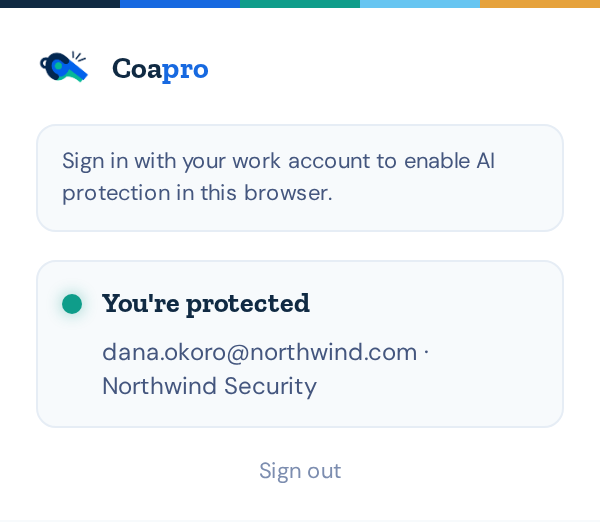
Protection status, today's activity, active policy version — at a glance, before a single prompt is typed.
Warn, block, or allow with the policy section shown. The employee learns the rule at the moment it matters.
Detected secrets and PII get redaction suggestions the employee applies before anything is sent.
When policy allows proceeding, the business justification is recorded. Overrides are evidence, not loopholes.
One shared catalog powers the extension, the manifest, and the popup — parity-tested against the desktop agents.
Push via Chrome Enterprise policy (ExtensionInstallForcelist) or your MDM. Installs silently, updates, and can't be removed.
For AI outside the browser
The extension covers AI in the browser. The Windows agent covers what it cannot see — ChatGPT and Claude desktop, Cursor, and AI CLIs like Claude Code running in a terminal. Optional, separate, and the same catalog applies.